

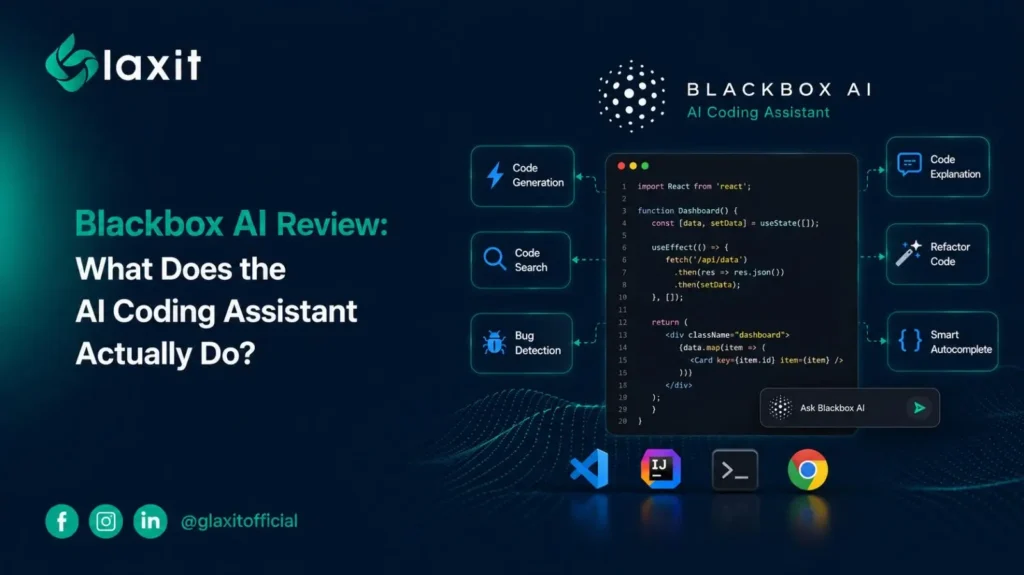
Blackbox AI 2026 Review: What Does the AI Coding Assistant Actually Do?
Blackbox AI started in 2019 as a VS Code plugin that pulled code straight out of YouTube tutorials , a neat trick that made it popular with students watching coding courses. Seven years on, it’s a 30-million-user platform with its own IDE, a CLI, mobile apps, and a routing system called Chairman LLM that picks which of 300+ models Claude, GPT, Gemini, Grok handles a given request.
How Do You Set Up and Use Blackbox AI for Code Generation?
Getting from zero to working code takes a few minutes, not a few hours.
How Do You Install the Blackbox AI VS Code Extension?
Search “Blackbox AI” in the VS Code marketplace, or grab it from the JetBrains plugin store if that’s your editor. There’s also a browser-based IDE at blackbox.ai if you’d rather skip local setup entirely, plus a CLI for anyone who lives in the terminal.
How Does Chairman LLM Route Coding Prompts to the Right Model?
Type a prompt “write a Python function for factorial” works fine — and Chairman LLM decides which of its 300+ underlying models is best suited to answer it. You don’t pick the model yourself unless you want to. It hands back code with error flags attached, and CyberCoder can keep going from there: generate, test, debug, repeat, without you re-prompting at every step.
What New Features Did Blackbox AI Add in 2026?
A handful of releases this year changed how the platform gets used day to day.
What Is k-agents and How Does Parallel Agent Coding Work?
k-agents runs several coding agents on the same repository at once, so you’re not waiting on one agent to finish before the next task starts. It’s the closest thing Blackbox has to a multi-agent dev team working a single codebase.
How Does Figma-to-Code and Voice Coding Work in Blackbox AI?
Figma-to-code turns a design file into working front-end components, which cuts out a decent chunk of manual translation work. Voice coding runs through ElevenLabs, so you can dictate to the CLI instead of typing — useful if you’re sketching out logic away from a keyboard. IDE support has also grown past 35 platforms, including Xcode and Slack.
Is Blackbox AI Actually Good for Boosting Developer Productivity?
Depends what you’re doing with it.
What Coding Tasks Is Blackbox AI Best At?
Boilerplate, test scaffolding, repetitive refactors — the parts nobody enjoys writing anyway. Real-time completion and project-wide context mean it flags obvious errors before you’d catch them yourself.
Can Blackbox AI Handle Complex Software Architecture Decisions?
Less clear. Whether it saves meaningful time on harder calls like system architecture is murkier, and Blackbox’s own marketing doesn’t say much on that front either. Treat it as a tool for execution, not for the decisions that come before it.
How Much Does Blackbox AI Cost in 2026 (Free vs Paid Plans)?
| Plan | Price |
|---|---|
| Free | $0 |
| Pro | $10/month |
| Pro Plus | $20/month |
| Pro Max | $40/month |
| Enterprise | Custom |
Is the Blackbox AI Free Plan Worth Using?
The free tier works, but daily usage limits get tight fast if you’re coding heavily. It’s fine for side projects or students, less so for daily professional work.
What Extra Features Do the Pro Plus and Pro Max Plans Include?
Pro Plus adds the hands-free Voice Agent; higher tiers raise usage caps and model access. Check the official pricing page before committing — these numbers shift often enough that this table could be outdated by the time you read it.
Is Blackbox AI Safe to Use on Production Code?
The company says it encrypts project data and doesn’t store code server-side.
What Do Blackbox AI Reviews on G2, Capterra, and Trustpilot Actually Say?
Reviews are oddly split: G2 and Capterra sit above 4.4 out of 5, Trustpilot is down around 2.7. Read through the complaints and that gap is almost entirely about billing and slow support, not the tool breaking on people mid-project.
How Does Blackbox AI Compare to GitHub Copilot and Cursor?
On fully autonomous, multi-step tasks, a few reviewers say Blackbox still trails dedicated agentic tools like Cursor or Claude Code. For straightforward autocomplete and boilerplate, it holds its own against Copilot at a lower price point.
Will Blackbox AI Replace Human Software Developers?
No — it clears out the repetitive parts of the job.
What Coding Tasks Should Developers Still Handle Manually?
What to build, how to structure it, and whether a shortcut is worth the tech debt later — that’s still on you. AI-generated code still needs a human reviewing it before it ships.
Frequently Asked Questions About Blackbox AI
Is Blackbox AI free to use?
Yes, with daily usage caps on the free tier.
Does Blackbox AI work inside VS Code?
Yes — 4.8 million installs and counting.
Does Blackbox AI use one AI model or several?
Several. Chairman LLM routes requests across 300+ models.
Is Blackbox AI good for beginners learning to code?
Yes, though relying on it too early can skip the debugging skills you’d otherwise build by hand.